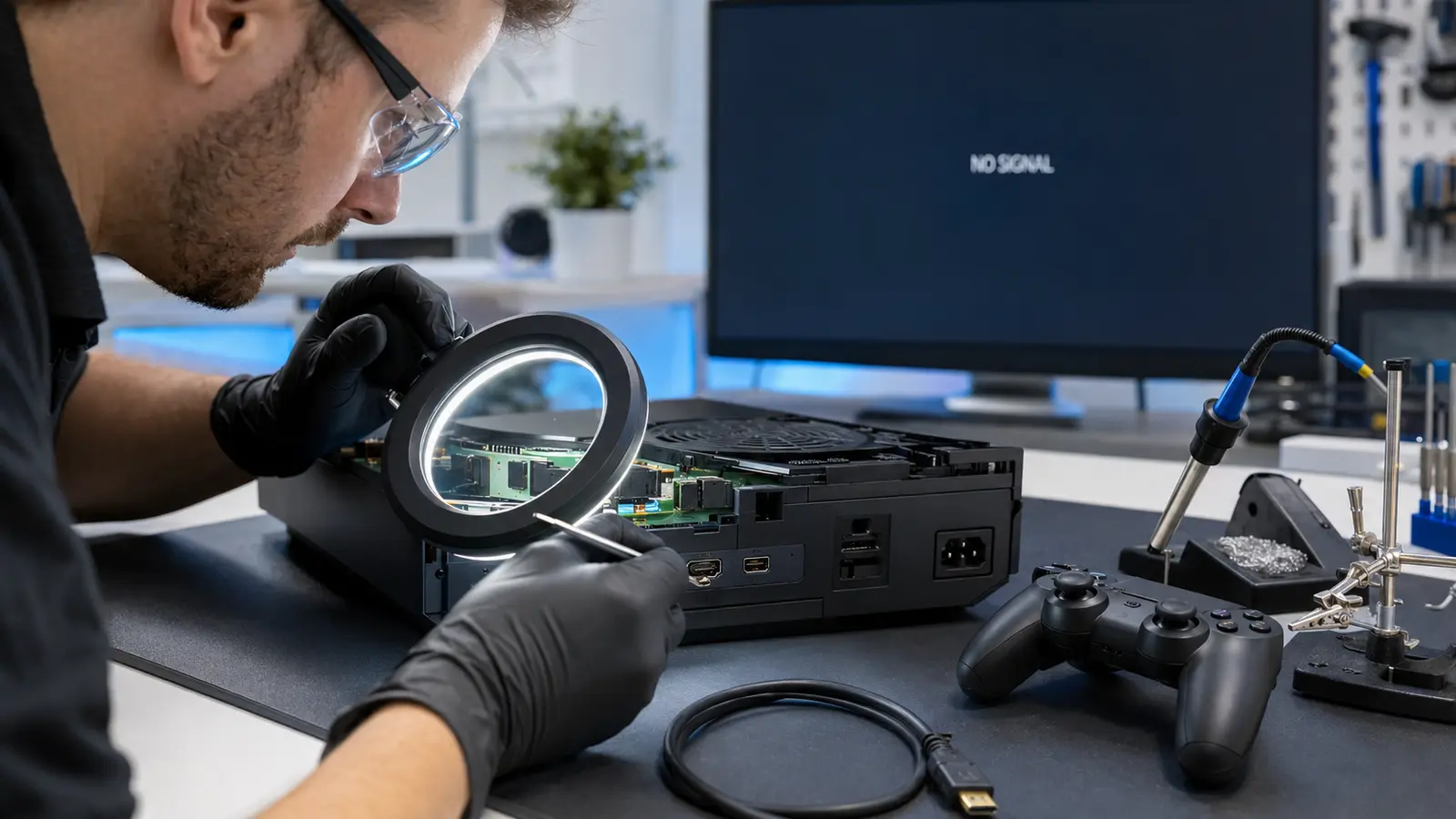
Turned on your console and got no picture at all? A game console no display issue is usually one of a few things: a loose or bad HDMI cable, the TV set to the wrong input, an overheating shutdown, or a damaged HDMI port on the console itself. Most of the time it’s fixable in a few minutes — but if the port itself is damaged, no cable swap will bring the picture back.
1. Common Causes of Game Console No Display
A blank screen doesn’t always mean the console is dead. Here are the most common reasons a PlayStation, Xbox, or Nintendo Switch shows no picture.
1.1 A Loose or Faulty HDMI Cable
HDMI cables wear out, and connectors can loosen with repeated use or if the console gets bumped or moved. A damaged or partially disconnected cable is the single most common cause of a game console no display problem — and the easiest to rule out.
1.2 Wrong TV Input or Display Settings
If the TV is set to the wrong HDMI input, or a soundbar/receiver in between the console and TV isn’t passing video through, the screen can stay black even though everything is working correctly. Check the input source before troubleshooting the console itself.
1.3 A Damaged HDMI Port on the Console
HDMI ports can loosen or become damaged from repeated cable movement, a cable being pulled at an angle, or a drop or impact near the port. When the port itself is damaged, the console may power on normally but never send a video signal, no matter which cable or TV is used.
1.4 Overheating or Power Shutdown
Dust buildup restricting airflow can cause a console to shut down or restart during use, which can look like a display problem. If the console powers off on its own, especially during longer play sessions, overheating is a likely contributor alongside or instead of a display issue.
2. Quick Fixes to Try First
Before booking a repair, these steps rule out the easy causes of a game console no display problem:
- Try a different HDMI cable — even a working cable from another device
- Plug into a different HDMI port on the TV, and confirm the TV input is set correctly
- Test the console on a different TV or monitor if one is available
- Check that the console is fully powered on (listen for the fan, check the power light) rather than in a partial power or rest state
- Make sure any soundbar or AV receiver between the console and TV isn’t blocking the video signal — connect the console directly to the TV as a test
If none of these bring back a picture, the issue is more likely inside the console — either the HDMI port itself or an internal component.
3. Signs the HDMI Port Itself Is Damaged
A damaged HDMI port usually shows a consistent pattern: no display on any cable or TV, a port that feels loose or wiggles when a cable is plugged in, a picture that flickers or cuts out when the cable is touched or moved, or visible bent pins or debris inside the port. Any of these point to a hardware repair rather than a settings or cable fix.
4. When Should You Get the Console Inspected?
A professional inspection is worth getting when:
- You’ve tried a different cable, port, and TV, and still get no display
- The HDMI port feels loose, or the picture cuts out when the cable is touched
- The console shuts down or restarts on its own during use
- You can see bent pins, debris, or damage inside the port
A free diagnostic can confirm whether the HDMI port, an internal cable, or another component is causing the issue before any repair is approved.
5. Frequently Asked Questions
Why does my console show no display but the fan is running?
If the console powers on normally but you still get no display after trying a different cable, port, and TV, the HDMI port or an internal video component is the likely cause — the fan running just confirms the console is getting power, not that video output is working.
Can a damaged HDMI port be repaired, or do I need a new console?
In most cases, a damaged HDMI port can be repaired or replaced without needing a new console. We inspect the port and confirm the repair option and price during a free diagnostic before any work begins.
How much does game console HDMI port repair cost?
Console repair pricing varies by model, issue, and part availability, so we don’t quote a fixed rate without inspecting the console first. See our phone repair prices page for how our diagnostic-first pricing works, or request a free quote for an exact price.
Is a console with no display safe to keep using?
If the console is also overheating, shutting down unexpectedly, or you can see damage inside the port, it’s best to stop using it and get it inspected rather than risk further damage.
Not Sure Why Your Console Has No Display?
Tell us what console you have and what you’ve already tried — a different cable, a different TV, or nothing yet — and we can help you figure out the most likely cause before you schedule a repair.
Ask Us About Your Device