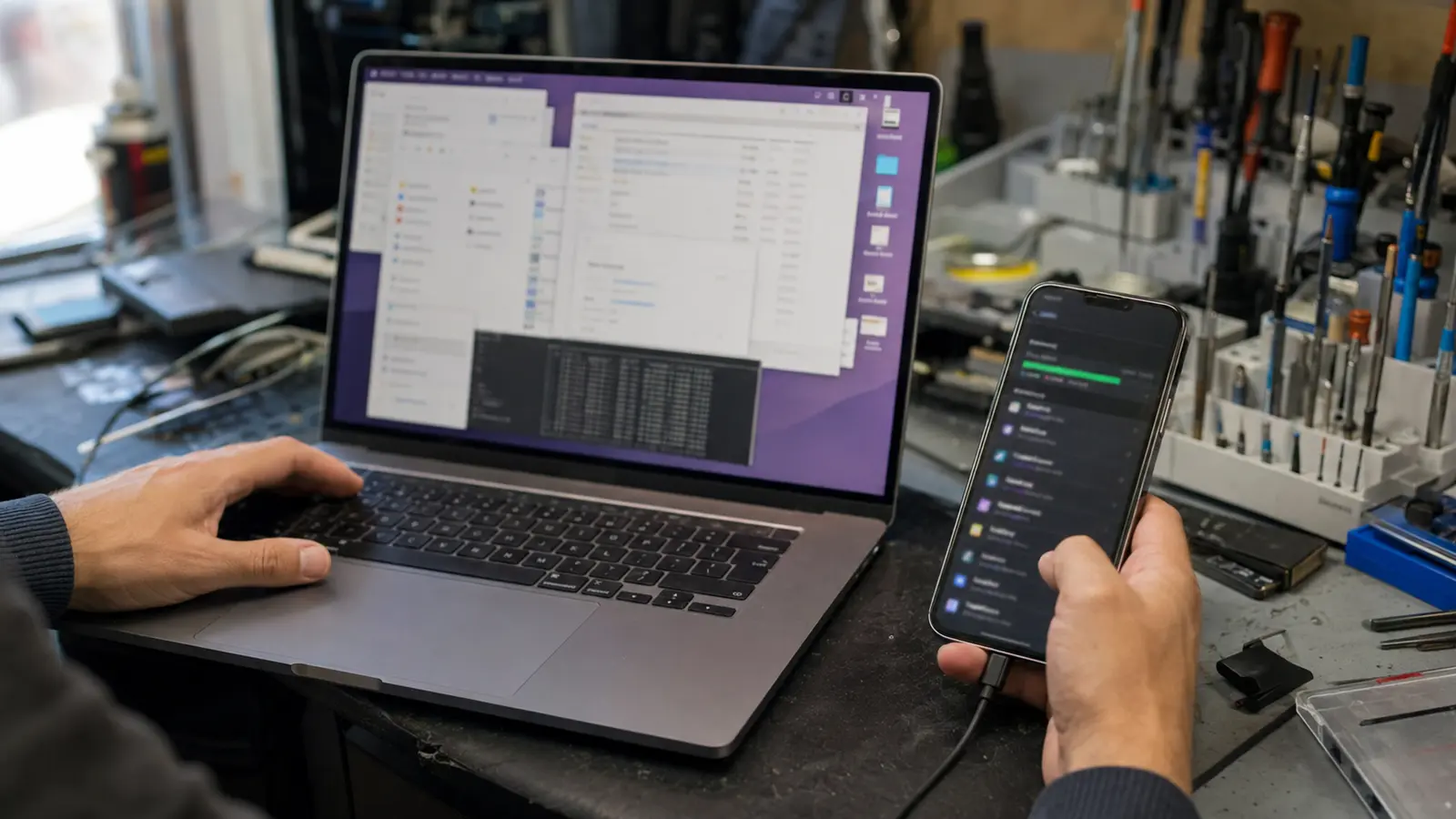
Why is your device running slow all of a sudden? Most of the time it’s not a sign the phone or laptop is dying — it’s storage that’s nearly full, too many background apps, an old battery throttling performance, or software that hasn’t been updated in a while. A few checks usually identify the cause, and most fixes don’t require a repair at all.
1. Common Causes of a Device Running Slow
A device running slow rarely has one single cause. Here are the most common reasons, in roughly the order worth checking.
1.1 Storage Almost Full
Phones, tablets, and laptops all need free storage space to run smoothly — the operating system uses it for temporary files and memory management. Once storage gets close to full, everything from app launches to photo saving can slow down noticeably.
1.2 Too Many Background Apps or Browser Tabs
Apps left running in the background, browser tabs left open for days, and sync or update processes running silently all compete for the same limited memory and processing power.
1.3 Outdated Software
Operating system and app updates often include performance fixes, not just new features. A device running old software can be slower and less efficient than the same device fully updated.
1.4 An Aging Battery Throttling Performance
On phones especially, an aging battery that can no longer deliver stable power under load can cause the device to intentionally slow down to prevent unexpected shutdowns. If your phone has also been draining fast or shutting off randomly, see our guide on signs your phone battery needs replacing.
1.5 Malware or Unwanted Software
Malware, adware, and unwanted background programs can consume significant processing power without any obvious sign other than the device feeling sluggish, especially on laptops.
2. Quick Fixes to Try First
Before booking a repair, these steps rule out the most common causes of a slow device:
- Restart the device — this alone clears temporary memory buildup and stuck background processes
- Check available storage and delete or offload large files, old downloads, and unused apps
- Close unused apps and browser tabs, and check which apps are using the most battery or CPU in Settings
- Install any pending operating system or app updates
- Run a reputable antivirus or anti-malware scan, especially on a laptop
- Check your battery health setting if the device is a phone (see our battery guide for how)
If the device is still slow after these steps, the cause is more likely a hardware limitation — an aging battery, failing storage drive, or a laptop overheating and throttling itself.
3. Phone-Specific Causes
On phones and tablets, slowdowns often trace back to storage that’s nearly full (especially with photos and videos), too many apps refreshing in the background, or an aging battery that can’t sustain full performance. A factory reset is rarely necessary — most of these causes can be identified and addressed without erasing the device.
4. Laptop-Specific Causes
On laptops, too many programs launching automatically at startup, a nearly full or aging storage drive, and dust buildup causing the processor to overheat and throttle itself are common culprits. If your laptop has also been running hot with a loud fan, see our guide on laptop overheating and loud fan noise — a cleaning or thermal paste service often resolves both the heat and the slowdown at once.
5. When Slow Means It’s Time for a Professional Look
A professional diagnostic is worth getting when:
- The device is still slow after a restart, storage cleanup, and updates
- It’s also overheating, shutting down, or the battery drains unusually fast
- You suspect malware and a scan hasn’t resolved it
- Storage is nearly full and you’re not comfortable deleting files yourself
A free diagnostic can confirm whether the slowdown is a software issue, an aging battery, a failing storage drive, or another hardware cause.
6. Frequently Asked Questions
Will a factory reset fix a slow phone or laptop?
Sometimes, but it should be a later step, not the first one — a factory reset erases your data and doesn’t fix a hardware cause like an aging battery or overheating. Try storage cleanup, updates, and a restart first.
Can a virus make my laptop slow even without other symptoms?
Yes. Some malware runs quietly in the background using processing power without any obvious sign beyond general sluggishness. A reputable antivirus scan is worth running if updates and storage cleanup don’t help.
Is it worth replacing the battery just to fix a slow phone?
If your phone’s battery health is low and the phone also drains fast or shuts down unexpectedly, a battery replacement can restore normal performance. A free diagnostic confirms whether the battery is actually the cause before you pay for a repair.
How do I know if it’s a storage problem or a hardware problem?
Check available storage in your device settings. If it’s nearly full, that’s a likely cause and clearing space often helps immediately. If storage looks fine and the device is still slow, especially alongside overheating or battery issues, it’s more likely hardware-related.
Not Sure Why Your Device Is Running Slow?
Tell us what device you have and what you’ve already tried, and we can help you figure out the most likely cause before you schedule a repair.
Ask Us About Your Device