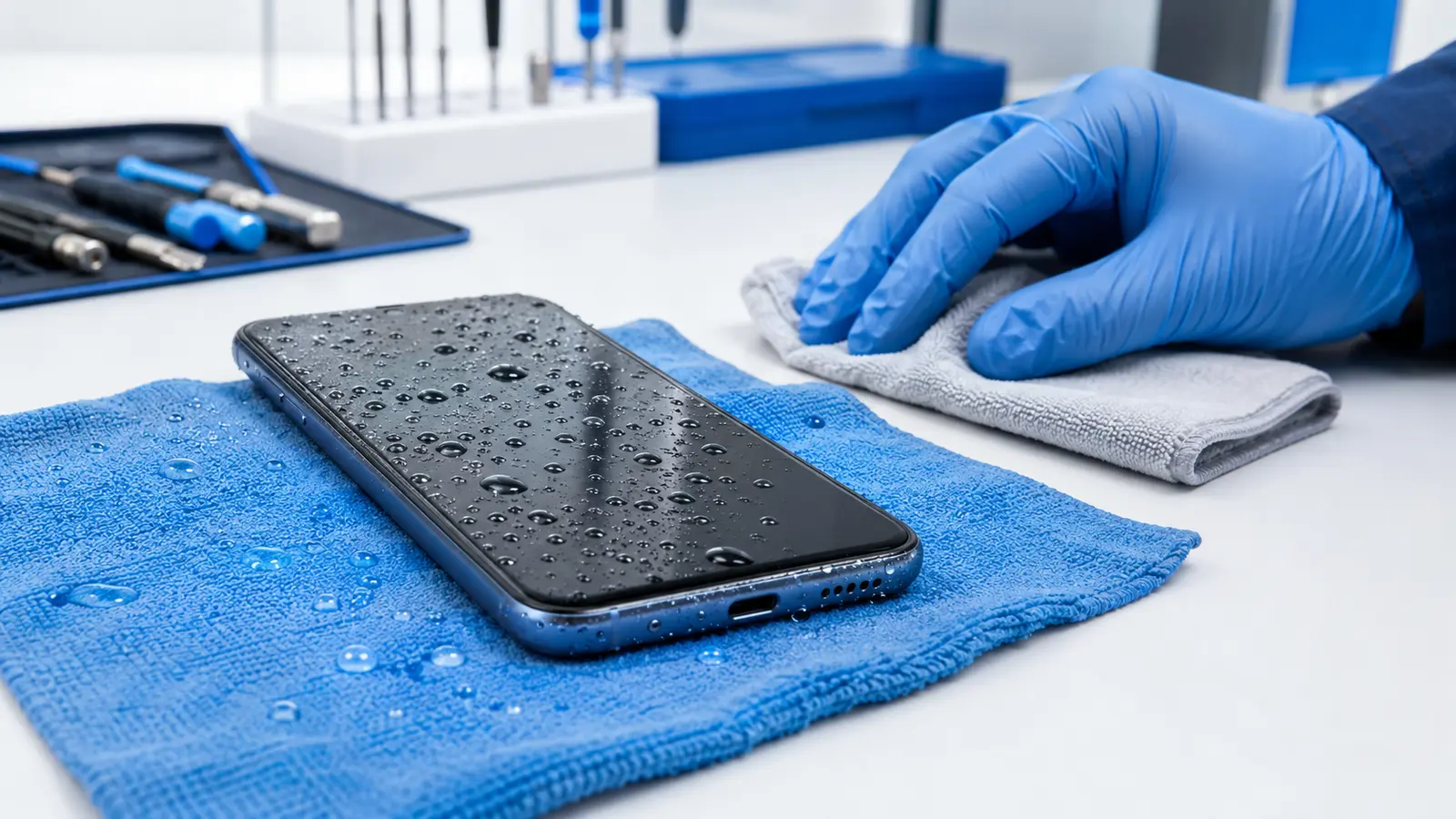
If your phone gets wet, act fast: remove it from the liquid, turn it off, disconnect any cables, and resist the urge to test or charge it. Dry the outside with a soft cloth and leave the device in a dry area with gentle airflow. Do not put it in rice, use a hair dryer, or insert anything into the charging port.
1. What to Do Immediately After Your Phone Gets Wet
What you do during the first few minutes can affect the phone’s chances of recovery. Move carefully, keep the device disconnected from power, and avoid actions that could push liquid deeper inside.
1.1 Remove It From the Liquid
Take the phone out of the water or spilled liquid immediately, as long as it is safe to do so. If the phone is connected to a charger near water, disconnect power from the outlet before touching the device or cable.
Hold the phone steadily. Do not shake it aggressively. Shaking can move liquid through speaker openings, buttons, seams, or other internal areas.
1.2 Turn It Off
If the phone is still on, power it off. Do not unlock it to check your messages, open the camera, play sound through the speakers, or test whether every feature still works.
A phone that appears normal immediately after getting wet may still have moisture inside. Continuing to use it can allow electricity to pass through wet or contaminated components, increasing the risk of a short circuit or corrosion.
If the screen is already black or the phone has shut itself down, leave it off. Repeatedly pressing the power button will not help it dry.
1.3 Disconnect Cables and Remove Accessories
Unplug charging cables, headphones, adapters, and other connected accessories. Remove the protective case because liquid can remain trapped between the case and the phone.
You can also remove detachable accessories such as a wallet attachment or external battery pack. Do not begin taking the phone apart unless you have the correct equipment and repair experience. Modern devices contain delicate cables, adhesives, batteries, and water-resistant seals that can be damaged during an improvised opening.
1.4 Dry the Outside Carefully
Use a clean, soft, lint-free cloth to gently dry the exterior. Pay attention to the edges, buttons, camera area, speaker openings, and charging-port opening, but do not push cloth, paper towel, cotton swabs, or other objects into the port.
Hold the phone with the charging port facing downward. For an iPhone, Apple recommends gently tapping the device against your hand with the connector facing down to help remove excess liquid.
1.5 Leave It in a Dry Area With Airflow
Place the phone in a dry, well-ventilated area. Cool airflow from a fan may help moisture around the connector evaporate, but avoid blowing hot air directly at the device.
Keep the charging port unobstructed and, when practical, angled downward. Do not wrap the phone in a towel or seal it in a container that traps moisture without a proper drying agent.
2. What Not to Do With a Wet Phone
Several popular “quick fixes” can make water damage worse. Avoid these mistakes even if the phone looks completely dead.
2.1 Don’t Put It in Rice
Rice is not a reliable way to remove liquid from inside a phone. It also does nothing to clean away salt, sugar, minerals, or other residue left behind after the moisture evaporates.
Small particles from rice can enter or collect around the charging port. Apple specifically advises users not to place a wet iPhone in a bag of rice because particles could damage the device.
2.2 Don’t Use Heat or Compressed Air
Do not use a hair dryer, space heater, oven, radiator, or other external heat source. Excessive heat can damage the battery, display, adhesives, and protective seals.
Compressed air is not a safe shortcut either. It can force moisture farther into openings instead of removing it. Apple also advises against using compressed air to dry a wet connector.
2.3 Don’t Charge It
Do not connect a charging cable while the phone or charging port may still be wet. Charging through a wet connector can damage the connector pins and contribute to corrosion.
Some iPhone and Samsung Galaxy models display a liquid- or moisture-detection warning and temporarily block wired charging. That warning is a protective feature, not an error that should be bypassed.
2.4 Don’t Keep Testing It
It is tempting to turn the phone on every few minutes, connect a charger, press the buttons, or call the device from another phone. Each test introduces power or activity before you know whether the internal components are dry.
Give the phone time. If it was fully submerged or begins restarting, overheating, flickering, or making unusual sounds, stop testing it and seek professional help.
3. Does the Type of Liquid Matter?
Yes. Clean fresh water is not harmless, but salt water, pool water, coffee, soda, juice, and other liquids can be more difficult to deal with because they leave conductive or corrosive residue behind.
- Salt water: Salt can remain inside the device after the water evaporates and accelerate corrosion.
- Pool water: Chlorine and other pool chemicals may leave residue on connectors and internal components.
- Soda, juice, and sweetened coffee: Sugar and other ingredients can leave a sticky film that drying alone will not remove.
- Soap, lotion, sunscreen, or cleaning products: These substances can affect seals, coatings, openings, and internal components.
Apple and Samsung provide model-specific cleaning instructions for certain water-resistant devices exposed to liquids other than fresh water. Do not rinse every wet phone automatically. A cracked, previously repaired, or non-water-resistant device may need different handling. Check the manufacturer’s instructions for your exact model or ask a repair professional.
4. How Long Should You Let a Wet Phone Dry?
There is no single drying time that applies to every phone or every accident. A few drops around a charging port are different from full submersion in a pool.
Apple advises waiting at least 30 minutes before testing a wired connection after a liquid-detection alert. If the alert returns, liquid may still be present in the connector or beneath the cable pins, and complete drying can take up to 24 hours. Other devices may have different manufacturer guidance.
More importantly, a dry charging port does not prove that the inside of the phone is dry. If the phone was submerged, has a cracked frame or screen, or was exposed to salt water or a sugary liquid, simply waiting may not remove the internal contamination.
Once the phone operates normally again, back up important photos, contacts, and files as soon as practical. If it starts getting unusually hot, restarts without warning, or develops new display or charging problems, power it off.
5. Signs Your Phone May Have Internal Water Damage
Water damage does not always cause an immediate failure. Some symptoms appear hours or days later as moisture moves or corrosion develops.
Watch for any of the following:
- A liquid- or moisture-detection warning that does not clear
- A phone that will not turn on or repeatedly restarts
- Unexpected overheating
- A flickering, discolored, dim, or unresponsive display
- Lines, dark spots, or “ghost touches” on the screen
- Muffled or distorted speaker and microphone sound
- Condensation inside a camera lens
- Cameras, Face ID, fingerprint sensors, or buttons that stop working
- Intermittent charging or a charging cable that becomes unusually warm
- Rapid battery drain after liquid exposure
- Visible corrosion or discoloration around the charging port
If any of these symptoms begin after the phone gets wet, continuing to use or charge the device can increase the chance of additional damage.
6. Is a Water-Resistant Phone Safe From Water Damage?
Water-resistant does not mean waterproof. IP ratings are based on controlled laboratory testing with specific depths, times, and conditions. A real accident involving salt water, pool chemicals, soap, heat, movement, or a hard impact may be very different.
Water resistance can also decrease over time. Drops, frame damage, a cracked screen, normal wear, or a previous repair may affect the seals that help protect the device.
Even phones with an IP67 or IP68 rating should not be charged while wet. Apple states that splash, water, and dust resistance are not permanent conditions and may decrease through normal wear.
7. When Should You Get the Phone Inspected?
A professional inspection is especially important when:
- The phone was fully submerged
- It was exposed to salt water, pool water, coffee, soda, or another contaminated liquid
- The screen, back glass, or frame was already cracked
- The phone shut down, restarted, or became unusually hot
- There is moisture under the camera lens or display
- The charging or moisture warning continues after the recommended drying period
- The device contains important data that is not backed up
- New problems appear after the phone initially seemed normal
Water-damage outcomes vary. An inspection cannot guarantee that every phone or every piece of data can be recovered, but identifying contamination and damaged components early may prevent additional problems.
8. Frequently Asked Questions
Can a phone still have water damage if it works normally?
Yes. A phone may continue working immediately after liquid exposure while moisture or residue remains inside. Charging problems, camera condensation, battery drain, distorted sound, or corrosion can appear later.
Can I use wireless charging while the charging port is wet?
Some manufacturers allow wireless charging after the outside and back of the phone are completely dry. However, wireless charging is not a safe test for a phone that was submerged, is overheating, or may have internal liquid damage. If you are uncertain, keep it powered off and arrange an inspection.
Will a wet speaker return to normal?
Muffled sound can improve as water around the speaker opening evaporates. If the sound remains distorted, becomes quieter, or stops working, the speaker or another internal component may require service.
Can photos be recovered from a water-damaged phone?
It depends on which components were damaged and whether the data was already backed up. In some cases, restoring the phone long enough to access the data may be possible. Severe board or storage damage can make recovery difficult or impossible, so no result should be guaranteed before diagnosis.
Is water damage covered by the manufacturer’s warranty?
Standard manufacturer warranties often exclude liquid damage. Accidental-damage coverage, carrier insurance, or an extended protection plan may provide different benefits. Review the terms of your specific plan before authorizing a repair.
Not Sure What Kind of Damage Your Phone Has?
Tell us what happened, what liquid the phone was exposed to, and what symptoms you are seeing. We can help you understand the most practical next step before you schedule a repair.
Ask Us About Your Device